-

-
爱普生Epson DS-870扫描仪驱动
- 软件大小:75.00MB
- 软件类型:国产软件
- 软件分类:扫描仪类
- 软件语言:简体
- 软件授权:免费软件
- 支持系统:WinAll
应用标签:
 爱普生Epson DS-870扫描仪驱动是一款性能好,稳定性好,兼容性强的扫描仪驱动。该系列扫描仪设计大方美观,性能好,能保护珍贵文件,深受用户好评。下载安装爱普生Epson DS-870扫描仪驱动,使扫描仪正常运作。
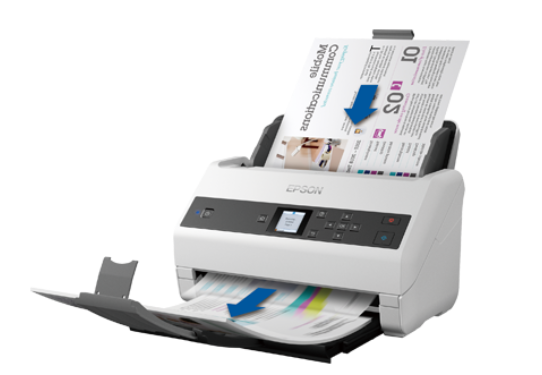
参数介绍
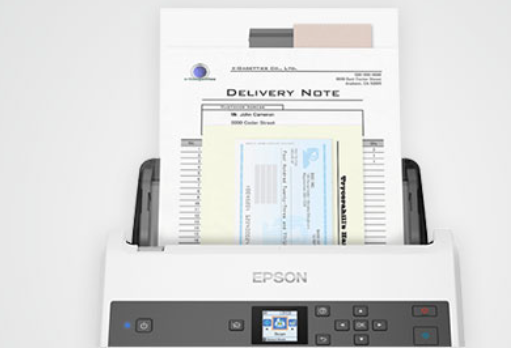
智能纸张保护保护珍贵文件,支持多种介质混合扫描,彩色LCD显示屏便捷的任务选择
扫描速度:200/300dpi黑白/灰度/彩色65ppm/130ipm*1纸张适应性强27-413g/m2*2
LCD彩色显示屏
整机原厂三年保修
产品类型:馈纸扫描方式,一次通过双面扫描
感光元件:CMOS CIS
扫描速度:65ppm/130ipm(200/300dpi黑白/灰度/彩色)*1
分辨率:600x600dpi
本机最大扫描幅面:A4
支持平台
Windows XP/Windows XP Professional x64 Edition Windows Vista/Windows Vista x64 Edition Windows 7/Windows 7 x64 Edition Windows 8/Windows 8 x64 Edition Windows 8.1/Windows 8.1 x64 Edition Windows 10/Windows 10 x64 Windows 11 x64 Windows Server 2003 Windows Server 2008/Windows Server 2008 R2 Windows Server 2012/Windows Server 2012 R2 Windows Server 2016 Windows Server 2019 Windows Server 2022
安装步骤
1.在下载之家下载爱普生Epson DS-870扫描仪驱动,解压缩文件之后双击运行
2.选择安装目录
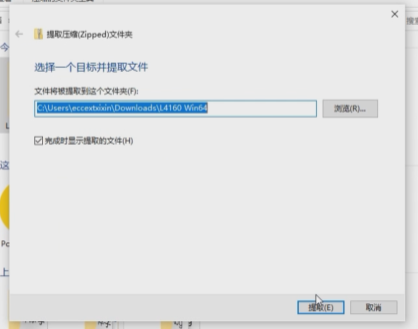
3.同意安装协议
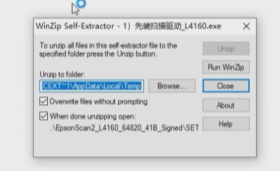
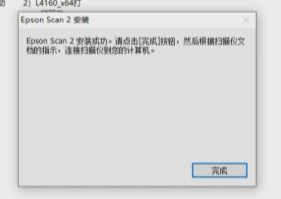
4.等待一会,完成安装
版本:vv6.744.0 | 更新时间:2024-05-05